Difference Between Weather App And Widget: Which Works Better In Practice?
- What Is A Weather App?
- Key features of a weather app
- What is a weather widget?
- Key Feature Of Weather Widget
- Difference between weather app and widget
- Functionality
- Access
- Purpose
- Customization
- Weather app and widget: Which one is better?
- When to use a weather app
- When to use a weather widget
- Final Thought
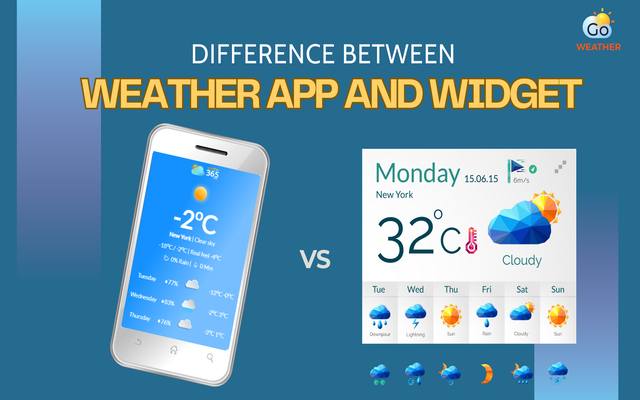
What is the difference between weather app and widget?
What Is A Weather App?
A weather app is a standalone application installed on a smartphone, tablet, or desktop.
It’s designed to provide in-depth weather data and advanced features, usually requiring users to open the app to access information.
The weather app is a standalone application
Most weather apps act as a complete weather hub, offering detailed forecasts, alerts, maps, and location-based insights.
Many businesses and platforms also build custom weather apps to support their services, such as agriculture, logistics, travel, or outdoor activities.
Key features of a weather app
A typical weather app offers far more than just today’s temperature. Common features include:
-
Accurate forecasts: Hourly, daily, and weekly forecasts, including precipitation probability and amounts.
-
Location management: Automatic GPS detection for current, plus saved locations for travel.
-
Severe weather alerts: Push notifications for storms, floods, and warnings.
-
Interactive maps: Visual radar maps showing precipitation, cloud cover, and wind patterns.
-
Comprehensive data: Humidity, wind speed/direction, UV index, air quality index (AQI), and sunrise/sunset times.
-
User Interface: Intuitive, clean, and often minimalist design for quick, at-a-glance information.
-
Customization: Customizable widgets for home screens and personalized notification settings.
-
Additional features: Some apps offer specialized data like tide tables, pollen counts, or climate change data.
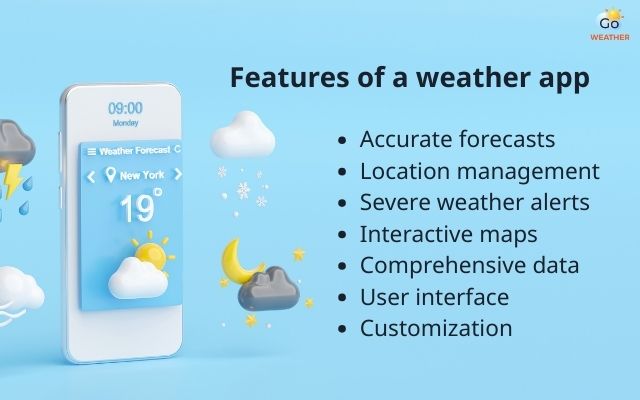
A weather app is a powerful tool with various features included
What is a weather widget?
A weather widget is a small, interactive component displayed directly on a smartphone home screen, desktop, or website.
Instead of opening a full app, users can instantly see essential weather information at a glance.
Just like a weather app, a weather widget can also display real-time data such as temperature, conditions, and short forecasts.
However, what makes a weather widget stand out is that it does not require a full application.
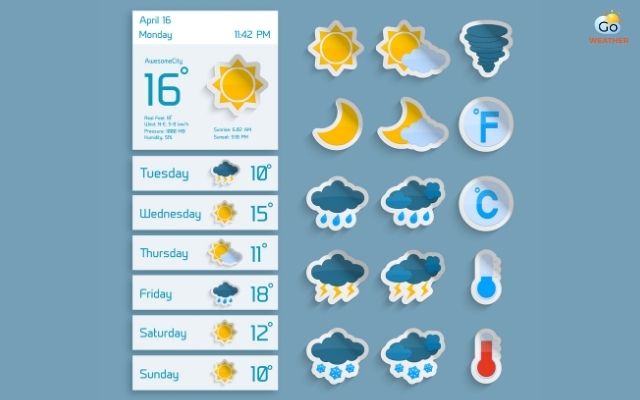
A weather widget provides quick access to today’s weather
Key Feature Of Weather Widget
Weather widgets focus on simplicity and speed. Typical features include:
-
Customization: Users can set specific locations to monitor, such as their current location or other cities. Some widgets, especially for websites, can also display forecasts for multiple cities and adapt visually to match site design.
Find out the best customizable weather widget here!
-
Varied information: They can show current conditions, hourly forecasts, daily high/lows, and precipitation chances.
-
Visibility: They are designed to be easily accessible on smartphones, tablets (IOS/Android), computers, and websites.
-
Functionality: Beyond daily use, they can provide alerts for severe weather and are often used on websites to display local forecasts.
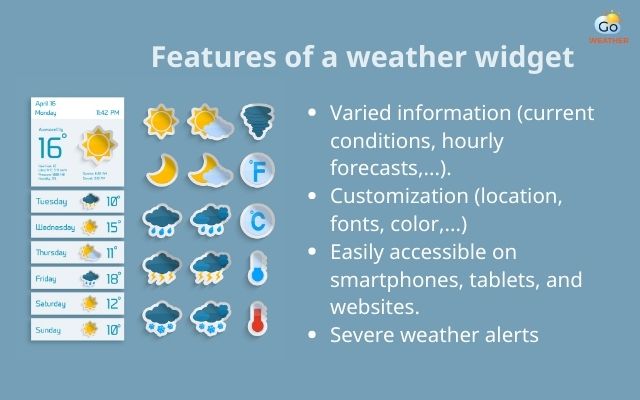
Features of a weather widget
Difference between weather app and widget
When comparing a weather app and widget, the key difference lies in how they deliver weather information and how you interact with them.
While both show weather data, they are built for different experiences.
Below, we explore the four main aspects where they differ:
-
Functionality
-
Access
-
Purpose
-
Customization
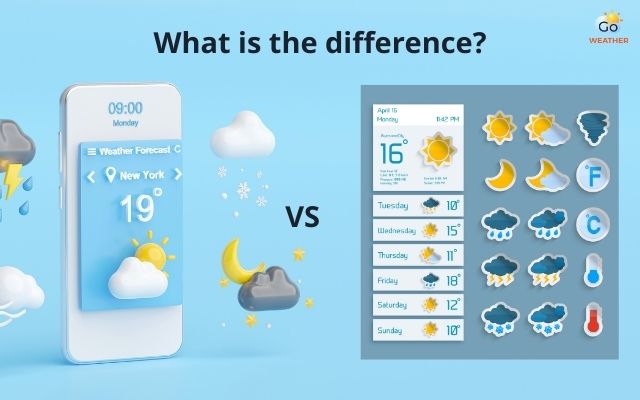
What is the difference between weather app and widget?
Functionality
A weather app is a full application. It can provide detailed forecasts, weather maps, alerts, radar views, and multiple settings. You open the app to dive into the data.
A weather widget is simpler. It shows a snapshot of information right on your screen. Widgets focus on key details like current temperature or short forecasts. They are not meant for deep exploration.
In short, apps offer rich information. Widgets offer quick, essential data.
Finding a weather widget? Opt out the best option here!
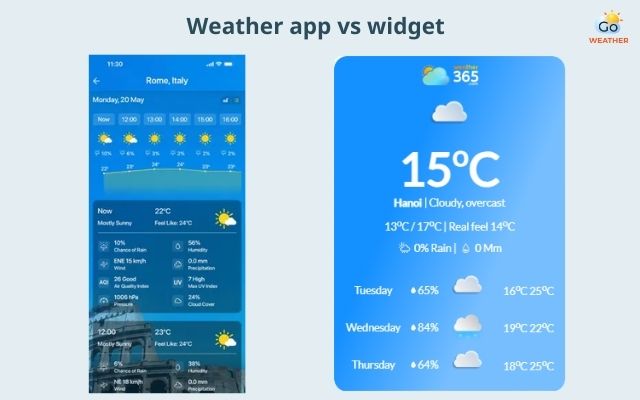
Weather app and widget differ substantially in functionality
Access
Accessing a weather app usually means opening it. You must tap the icon and wait for the interface to load. Only then can you view detailed reports or settings.
A weather widget lives on your home screen or desktop. You don’t need to open anything to see the weather. Information updates automatically in the background. This makes widgets faster for quick checks.
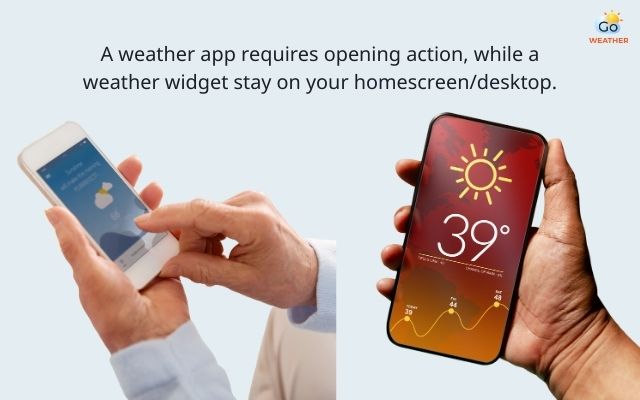
A weather widget offers a quick weather check
Purpose
The purpose of a weather app is to give users full control. It serves those who need comprehensive weather insights. For example, people planning travel or outdoor activities might rely on apps for accuracy and depth.
The purpose of a weather widget is convenience. Widgets support fast decision-making without distraction. They help you quickly see the weather at a glance as you use your device or visit a website.
Customization
A weather app often lets you tailor settings deeply. You can change units (°C/°F), add multiple locations, set alert types, and choose data layers like radar or wind maps.
Most weather widget offers more limited customization. You can usually adjust its size, choose which basic data to show, or pick a style that matches your screen. But widgets do not offer the rich setting options that apps do.
However, the weather widget of Weather365 solves it all - you can customize a wide range of features to show on your website, from location, temperature units, to date format, or title color.
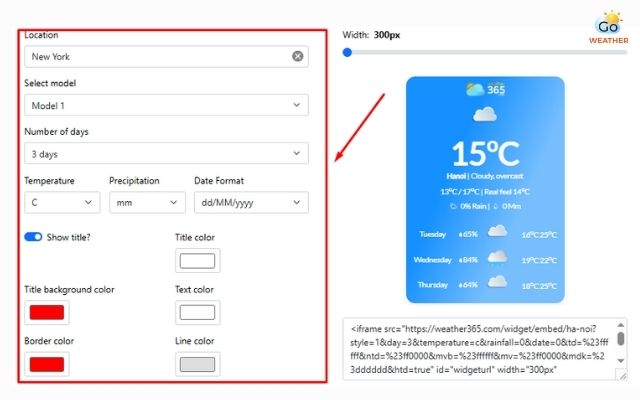
Weather365 offers unlimited weather widget customization
|
Weather app |
Weather widget |
|
|
Functionality |
Provides in-depth weather data, including hourly and daily forecasts, alerts, maps, and radar. |
Displays essential weather information such as current temperature and short-term forecasts. |
|
Access |
Requires opening the app to view information, adding an extra step for users. |
Visible directly on the screen or website with no need to open an app. |
|
Purpose |
Designed for users who need detailed, accurate weather insights. |
Built for quick checks and fast decision-making. |
|
Customization |
Offers advanced settings like multiple locations, alerts, units, and data layers. |
Allows basic customization such as size, layout, and displayed data. |
Weather app and widget: Which one is better?
In short, there isn’t a single “best” option for everyone as each serves a specific purpose. The right choice depends on how you use weather information in your daily life.
Below are clear explanations for when each option works best.
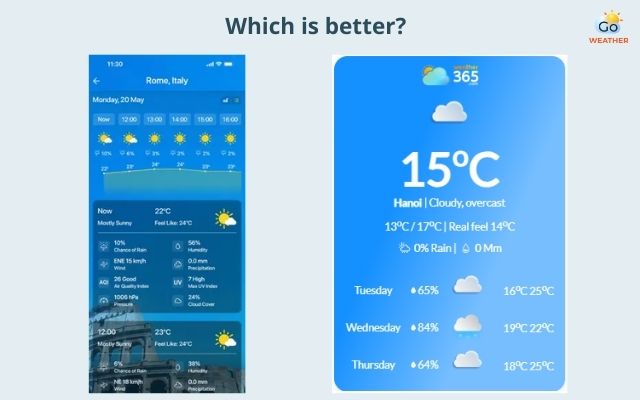
Weather app and widget: Which one to choose?
When to use a weather app
A weather app is ideal when you need in-depth weather insights. Use it if you want detailed forecasts for the day, week, or longer.
Apps give more expansive data than widgets. They show multiple weather factors like wind, humidity, UV index, and radar maps.
Choose a weather app if you:
-
Want full weather reports with explanations.
-
Track weather for work, travel, or outdoor activities.
-
Need alerts for severe weather conditions.
-
Monitor weather changes across different locations.
With a weather app, you can explore data at your own pace. It’s perfect for users who plan ahead or need accuracy.
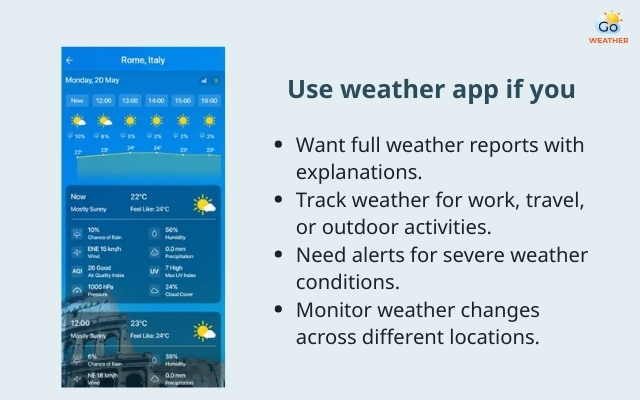
Use the weather app if you need a comprehensive weather forecast
When to use a weather widget
A weather widget works best when you want quick weather information without extra steps.
Widgets show the weather directly on your home screen or web page. There is no need to open a separate app.
Use a weather widget if you:
-
Want instant temperature and condition updates.
-
Need weather at a glance while doing other tasks.
-
Want to enhance a website with simple weather info.
-
Prefer minimal interactions and fast access.
Widgets are lightweight and easy. They keep the weather visible without distracting from your main activity.
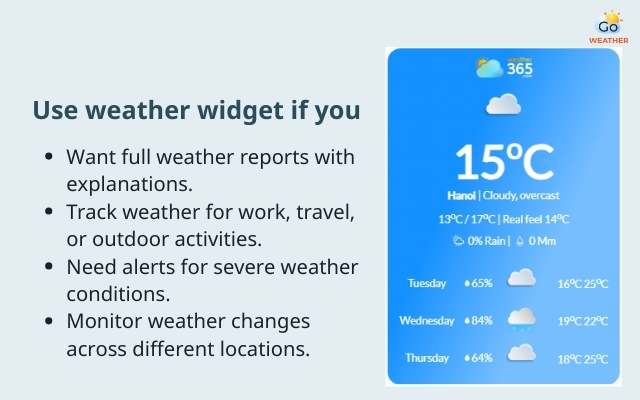
Use the weather app if you need a quick weather check
Final Thought
When comparing weather app and widget, the key difference lies in depth versus convenience. Weather apps deliver detailed insights and advanced tools, while widgets provide fast, accessible weather information exactly when you need it. Instead of choosing one over the other, many users benefit most by using both together: apps for planning, widgets for quick decisions.
FAQs
-
What is the difference between icons and widgets?
App icons simply open an application. Widgets, on the other hand, display live information and allow interaction without opening the app.
-
How to integrate weather data into your website?
You can integrate weather data by using third-party APIs or ready-made weather widgets. Widgets are often the easiest solution, requiring only a small code snippet while offering real-time updates and customization options.
-
Do weather apps drain your battery?
Yes, some weather apps can drain battery, especially those that constantly track location and refresh data in the background.
![10 Health & Safety Precautions During Rainy Season [Be Careful]](https://admin.goweatherforecast.com/images/1732692097.png)



0 Comments
Leave a Comment
Your email address will not be published. Required fields are marked *